Sidebar
This is an old revision of the document!
Table of Contents
Hotel Transactions Database
The purpose of the Hotel Transaction Database is to: search, edit, add and delete hotel transactions.
1. Search an hotel transaction
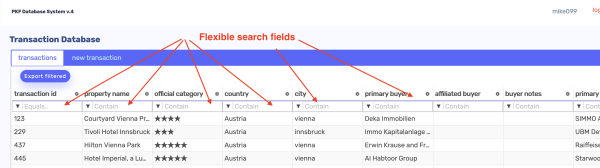
In order to view existing hotel transactions, first make sure the tab “transactions” is selected. For searching use the smart searching feature which is available above any column. Each column represents a dataset of mandatory or optional fields which could contain unique (f.i. address) or repetitive data (f.i. city, country).
2. Edit an hotel transaction
Function to be created.
3. Add an hotel transaction
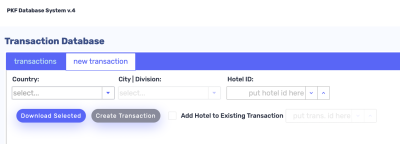
In order to add a new hotel transaction, first switch the tab on the web app to “new transaction”.
4. Delete an hotel transaction
In order to delete an hotel transaction. Simply hoover with the computer mouse on the transaction you wish to delete, an “x” button will appear on the right side of the screen:
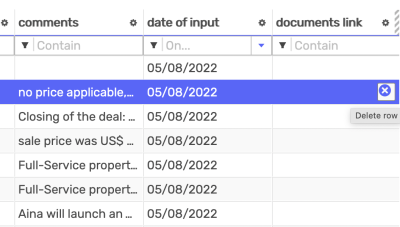
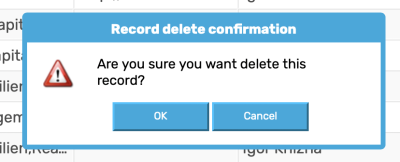
Click on the “x” button. A prompt pop-up will appear to make sure you really intend to delete the transaction record, if so press “OK”.